Facility visibility
Find a moment in the facility timeline and return to the evidence in its operational context.
Capture critical events at configured observation points. Review video, stills, identifiers, and context together when you need to understand what happened.
Start with the workflow you need to see more clearly.
Operational evidence for industrial teams
Swipe horizontally or choose a view with the tabs or arrows. Select the centered image to open its details.


Find a moment in the facility timeline and return to the evidence in its operational context.
Browse captured events by identifier, time or observation point, with the source evidence close at hand.
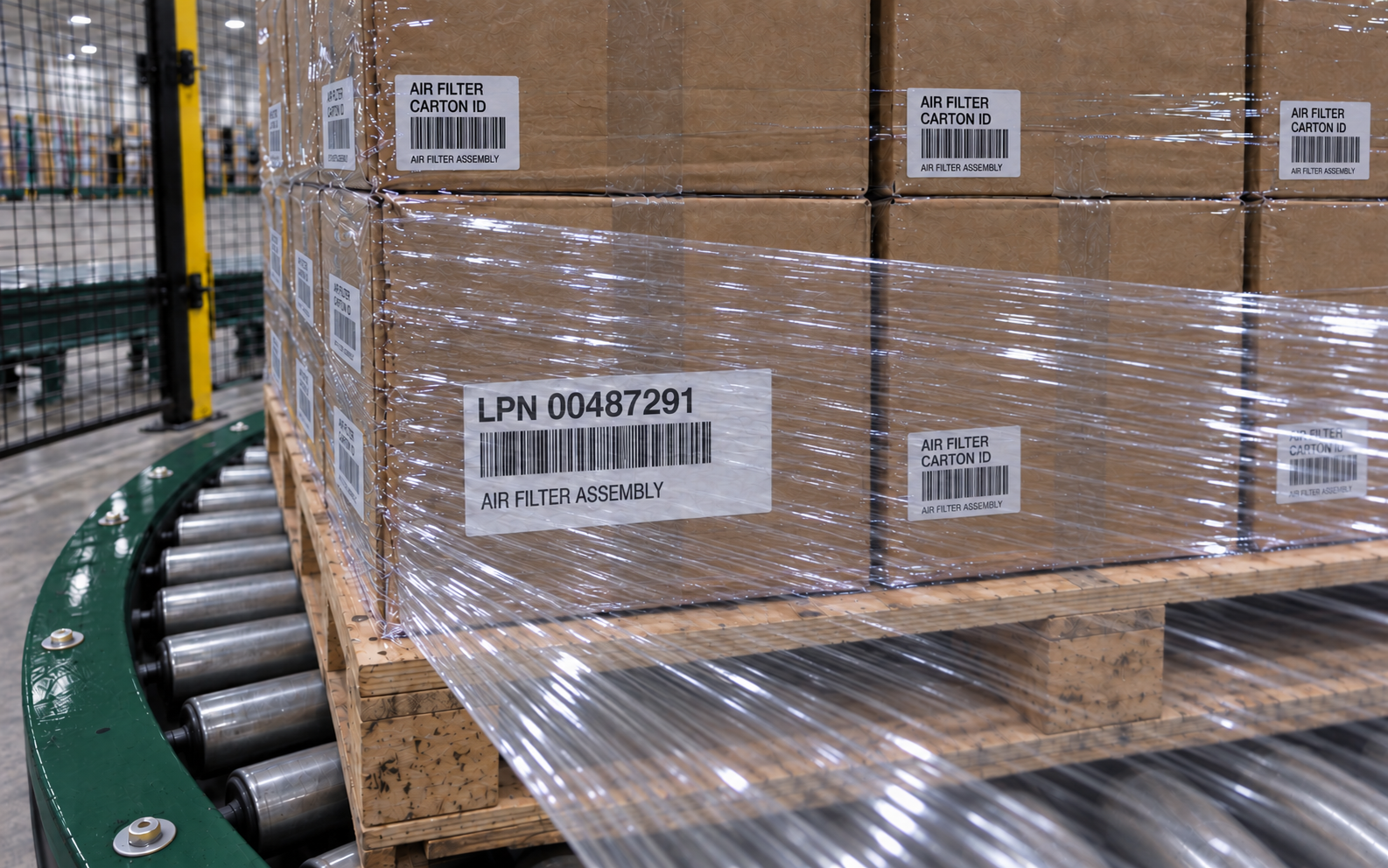
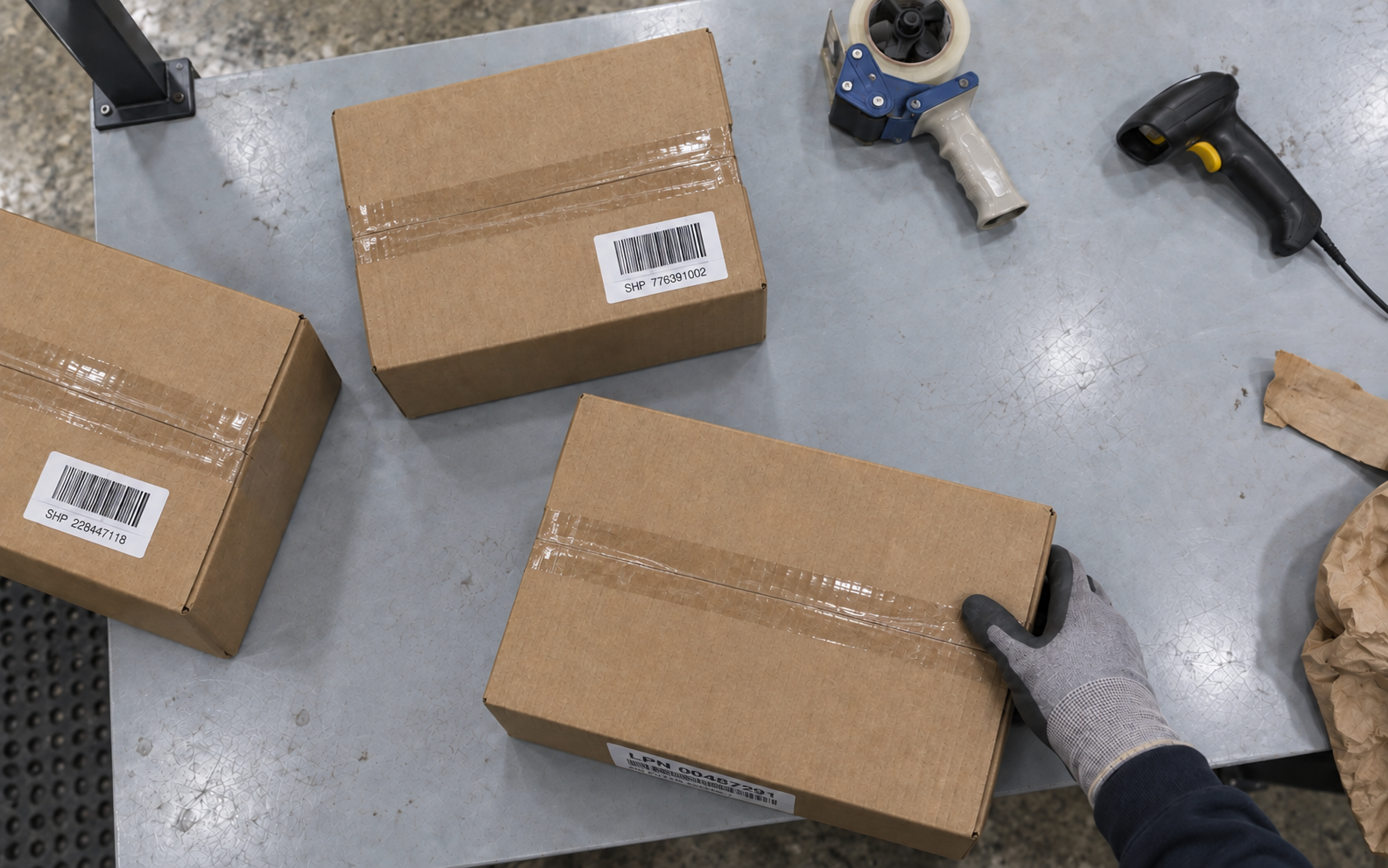
Compare extracted text with the original label image. Keep the source available for a person to review.
Review the event from its captured camera perspectives, with the media and context together in one record.
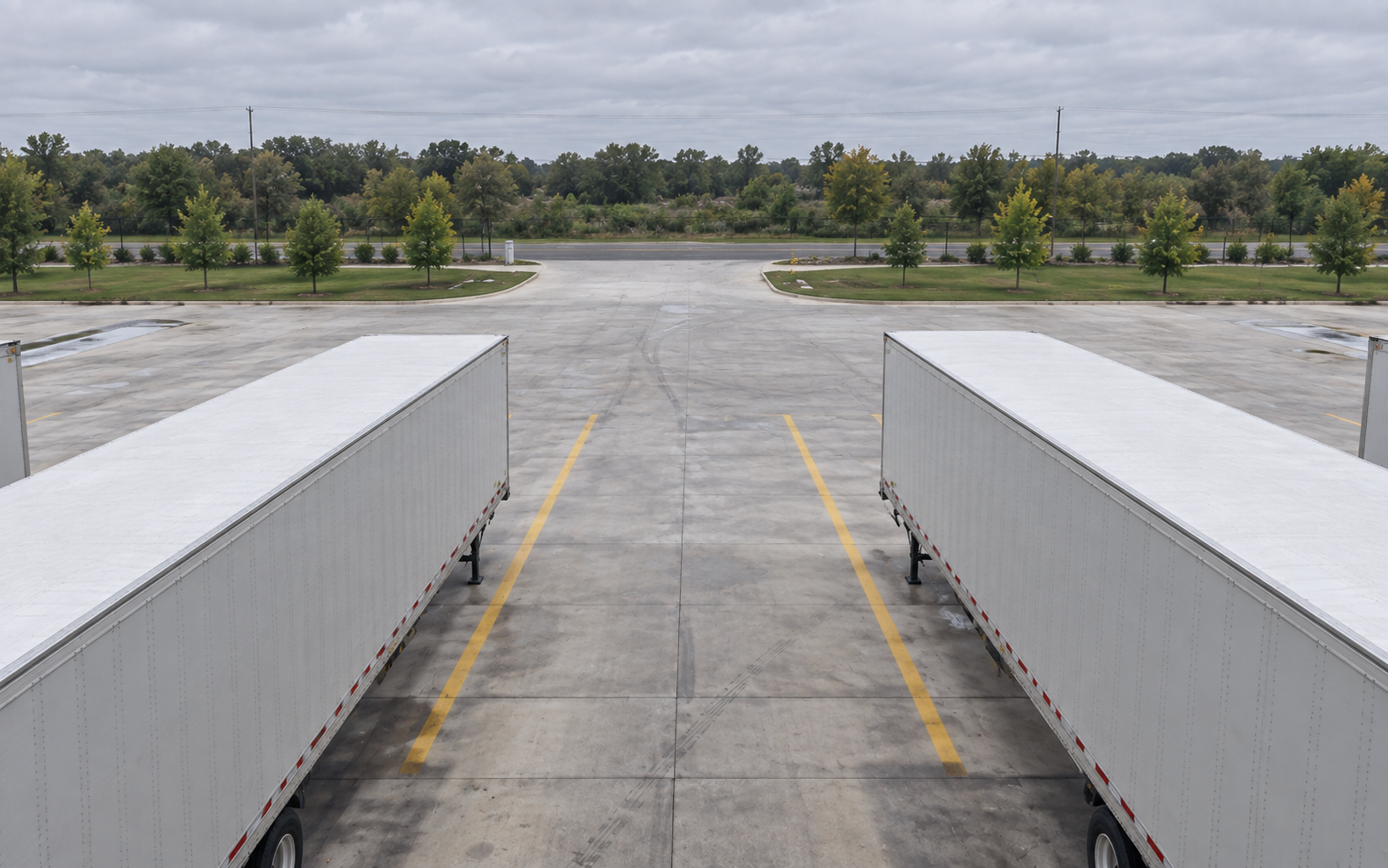
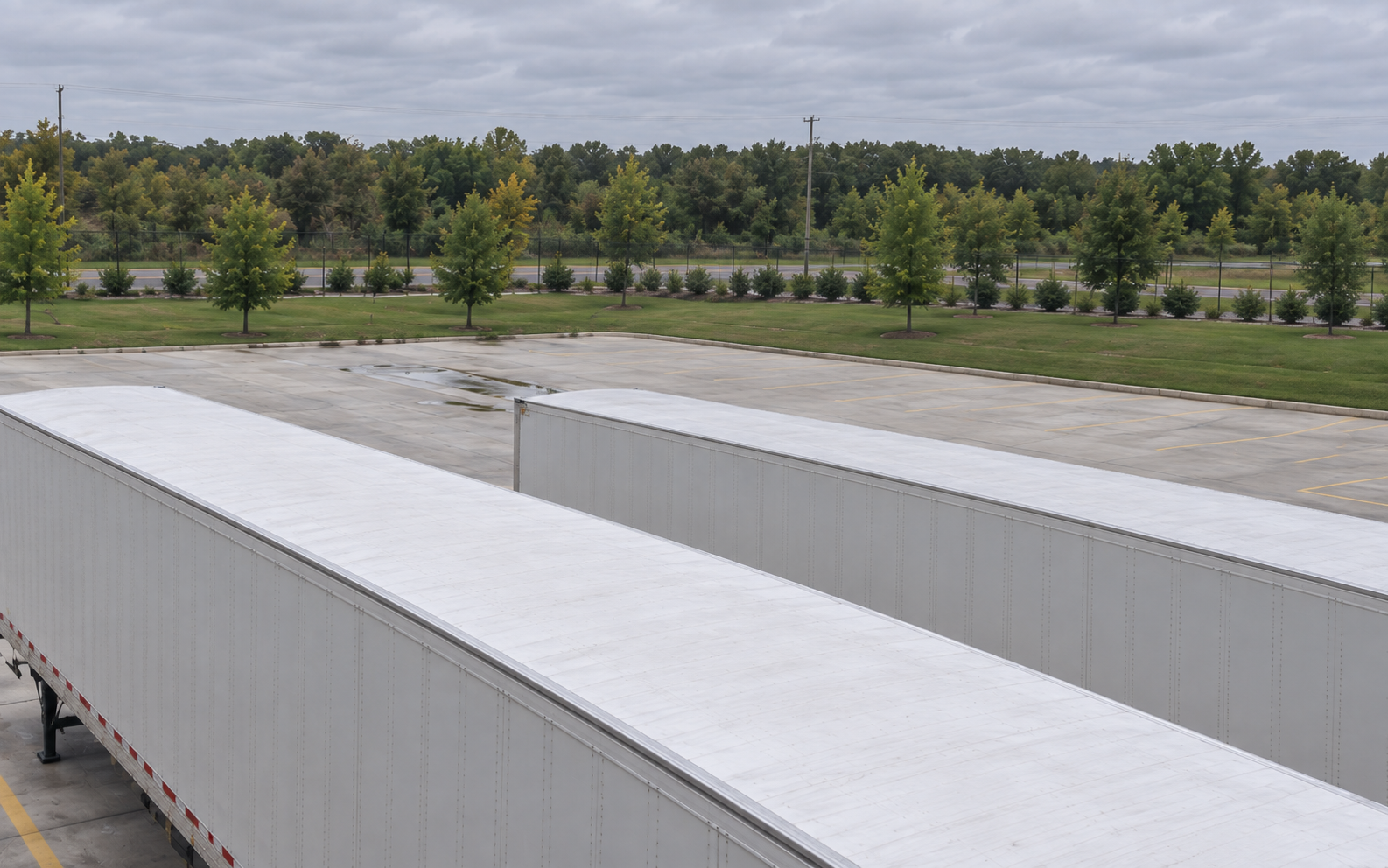
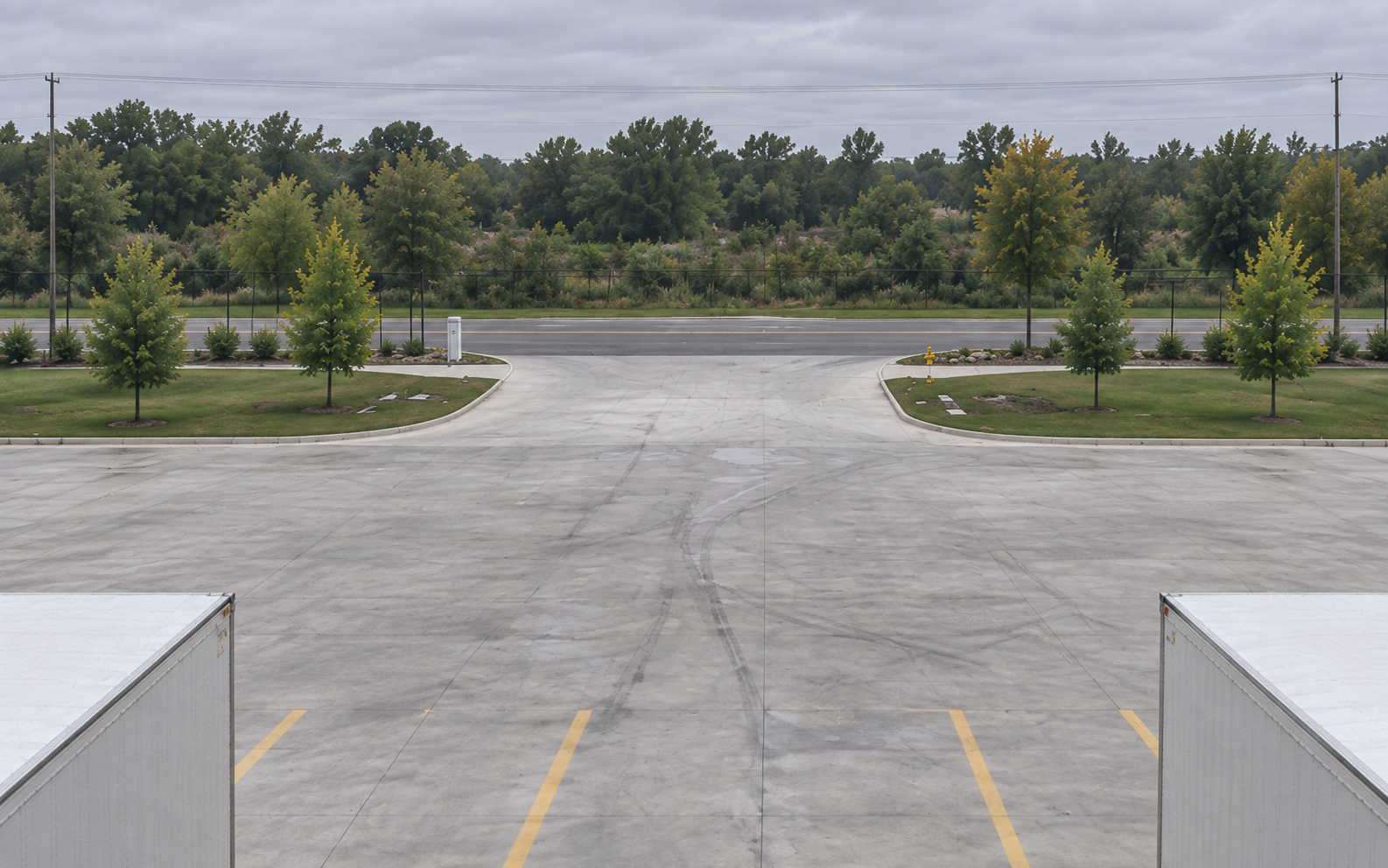
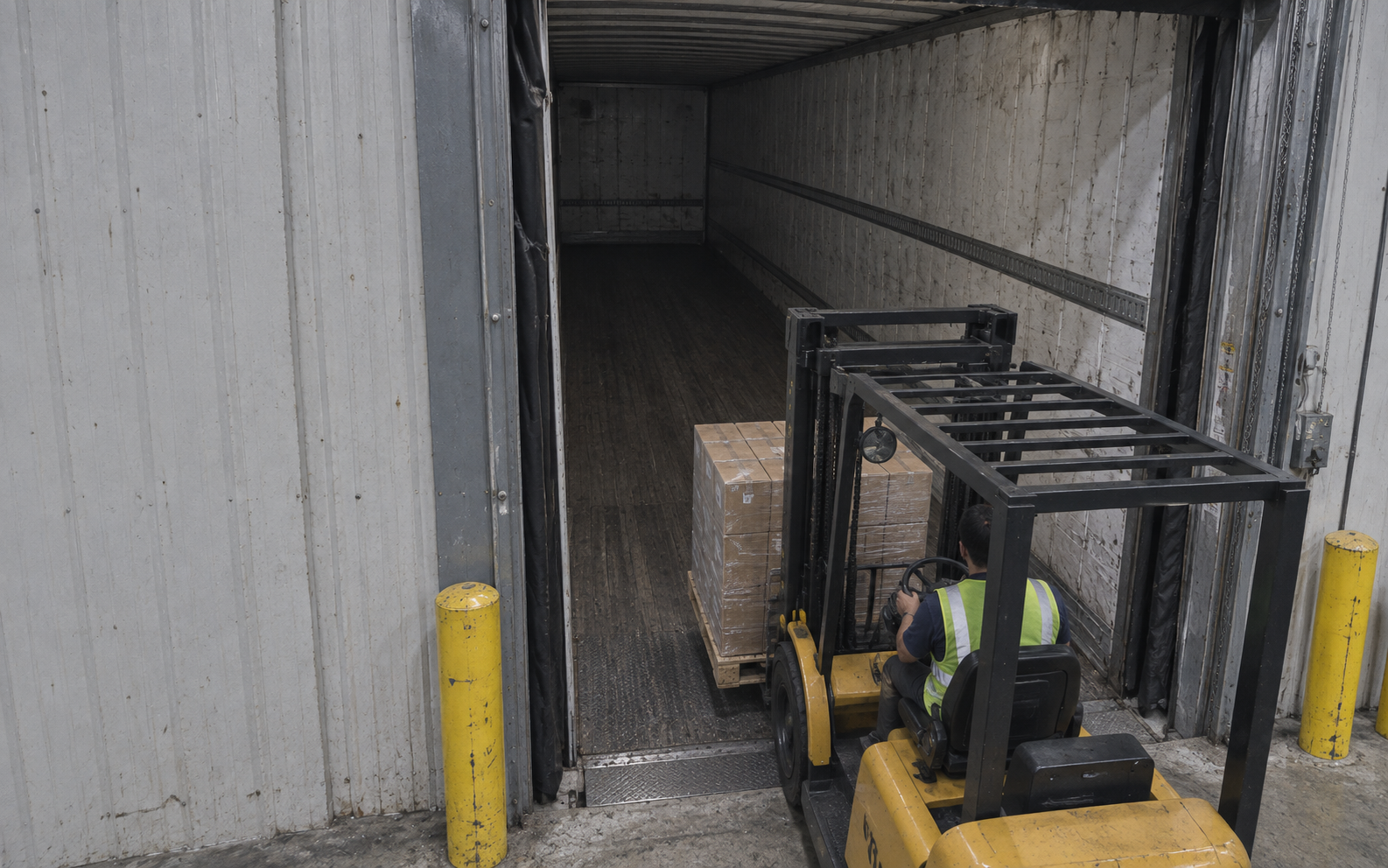
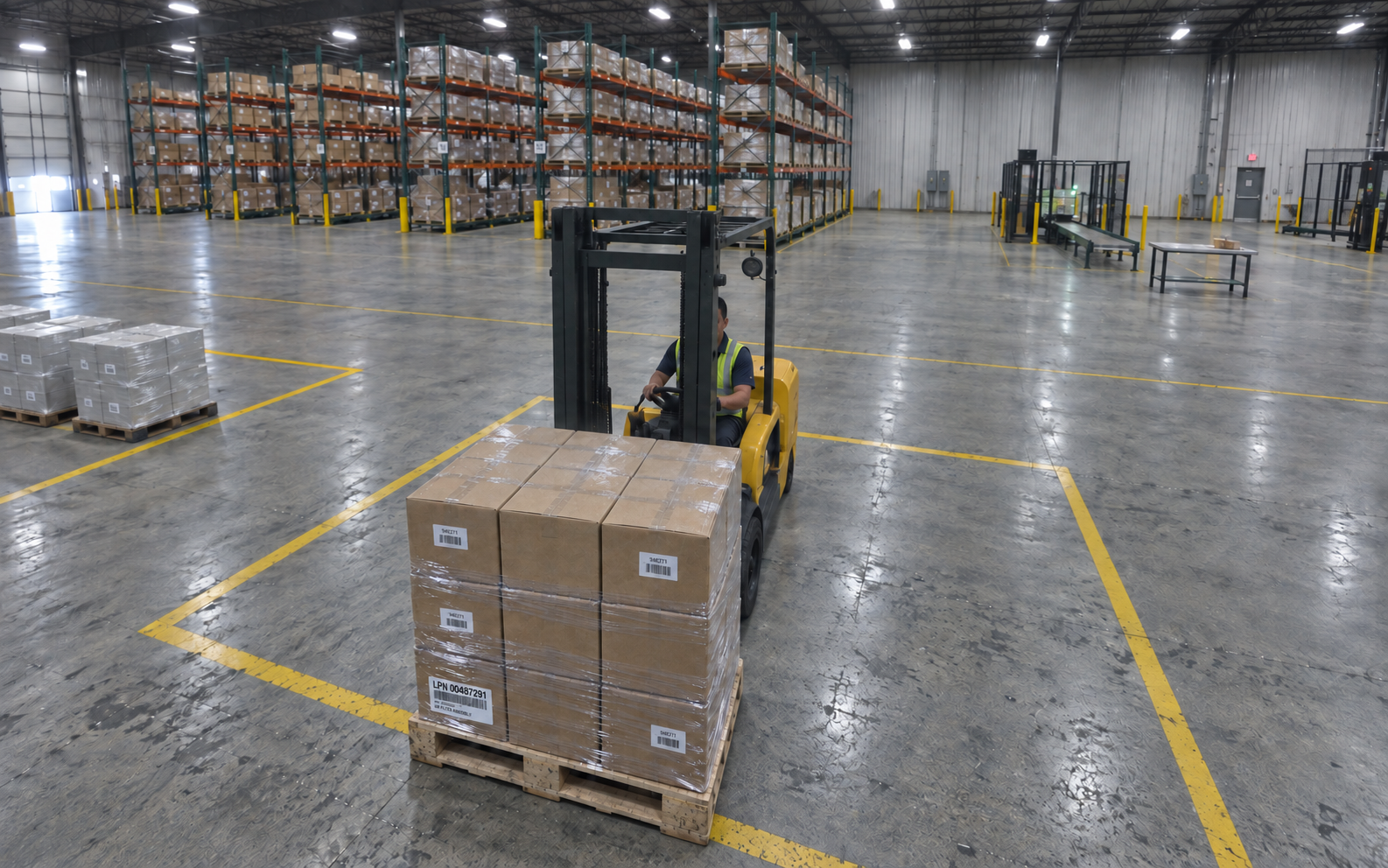
Review selected loading moments from four lenses on one building-mounted device. One view looks into the trailer, another back across the warehouse floor. Camera 3 is enlarged using the actual still viewer.
Actual OSPR interfaces with fictional records and generated imagery. We never use directly attributable customer imagery without consent.
Capture points in practice
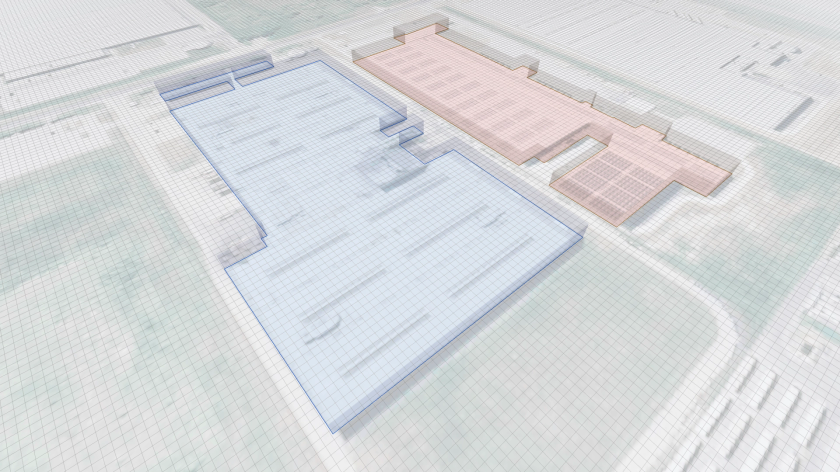
From order preparation to outbound loading, choose where to retain a view of the work. Capture coverage and connections between records are configured for your site.
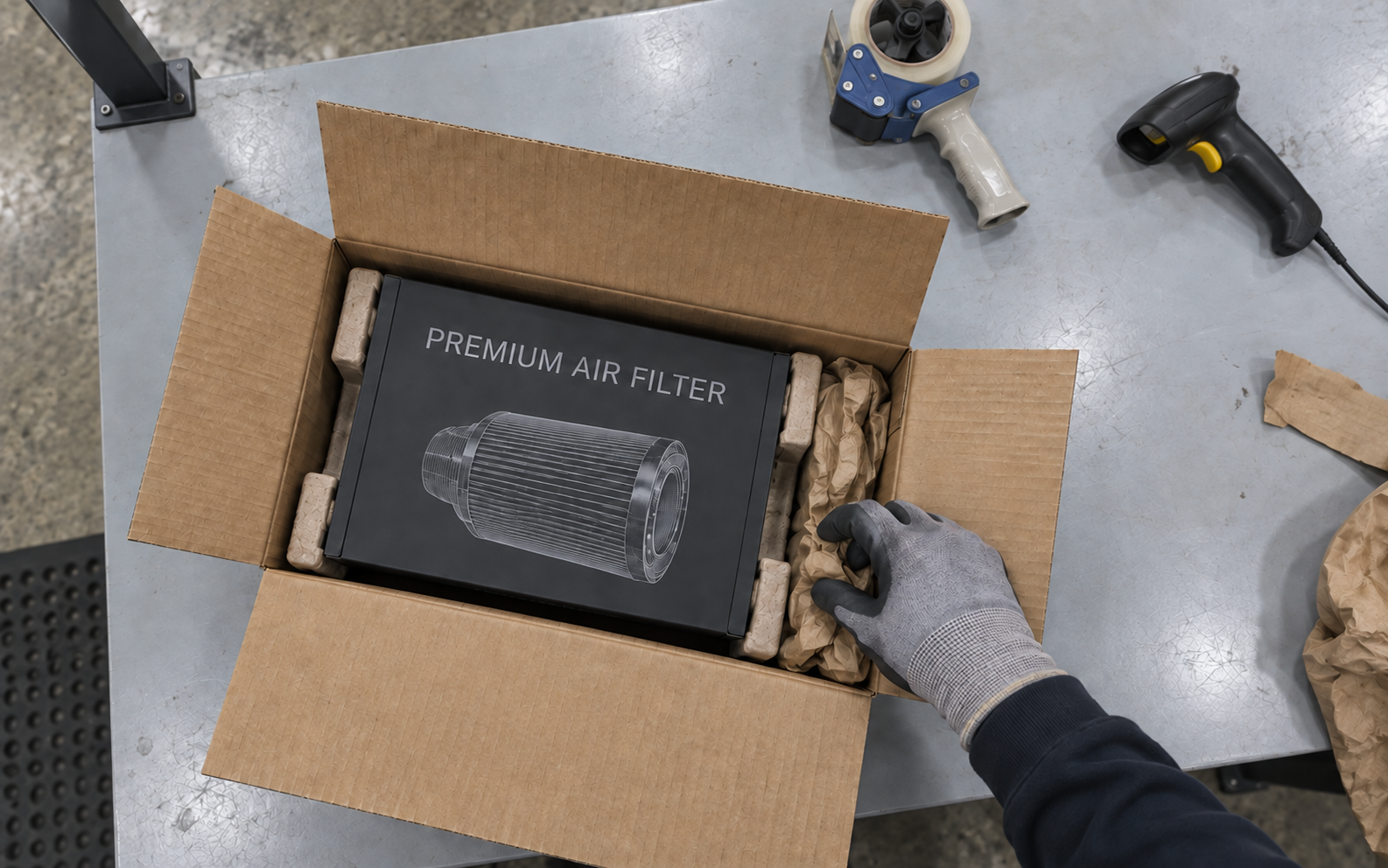
Order preparation, capture point 1 of 5: Look into an open order from above the packing bench, before its contents are sealed.
Around your operation
Select an image for a closer look
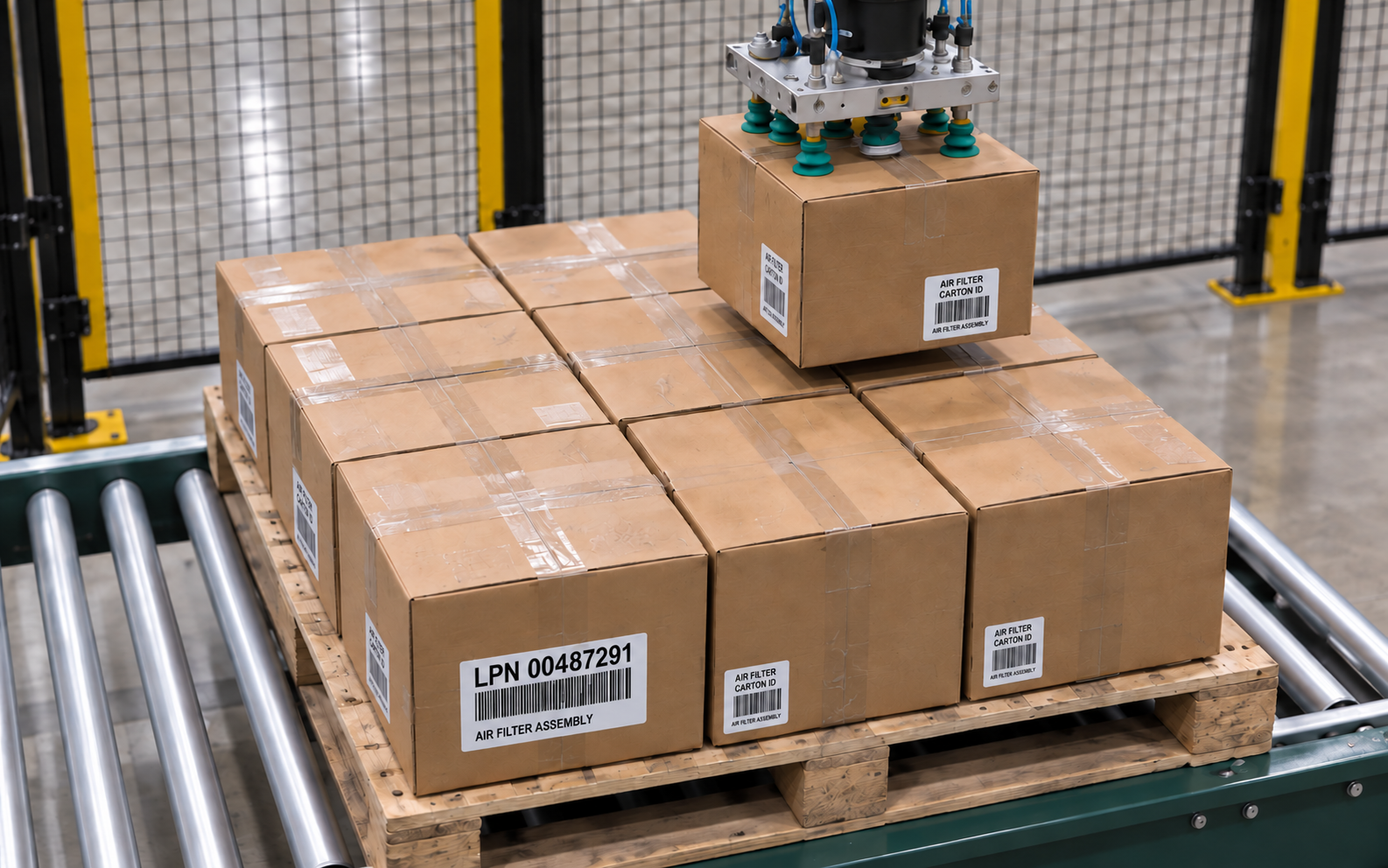
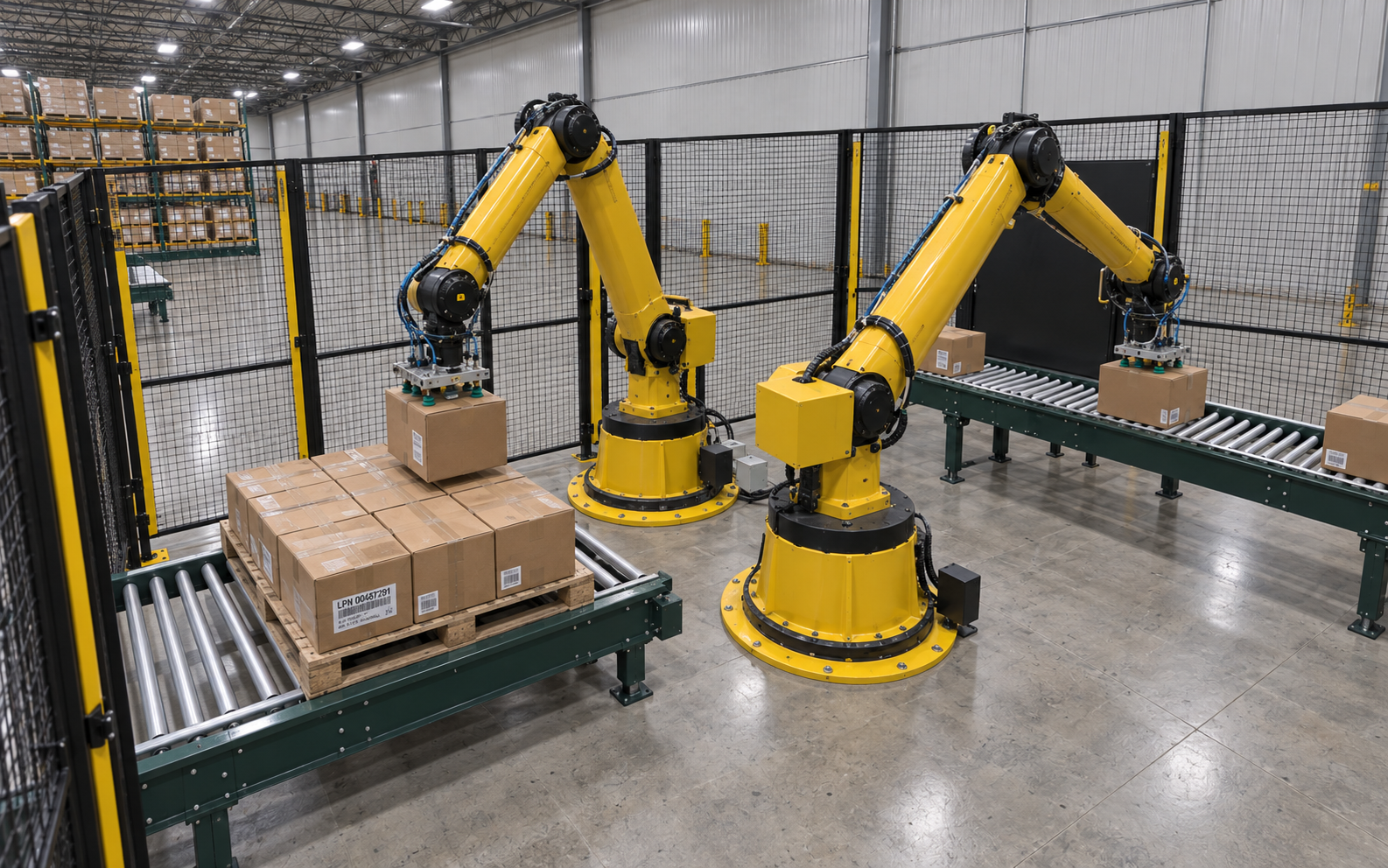
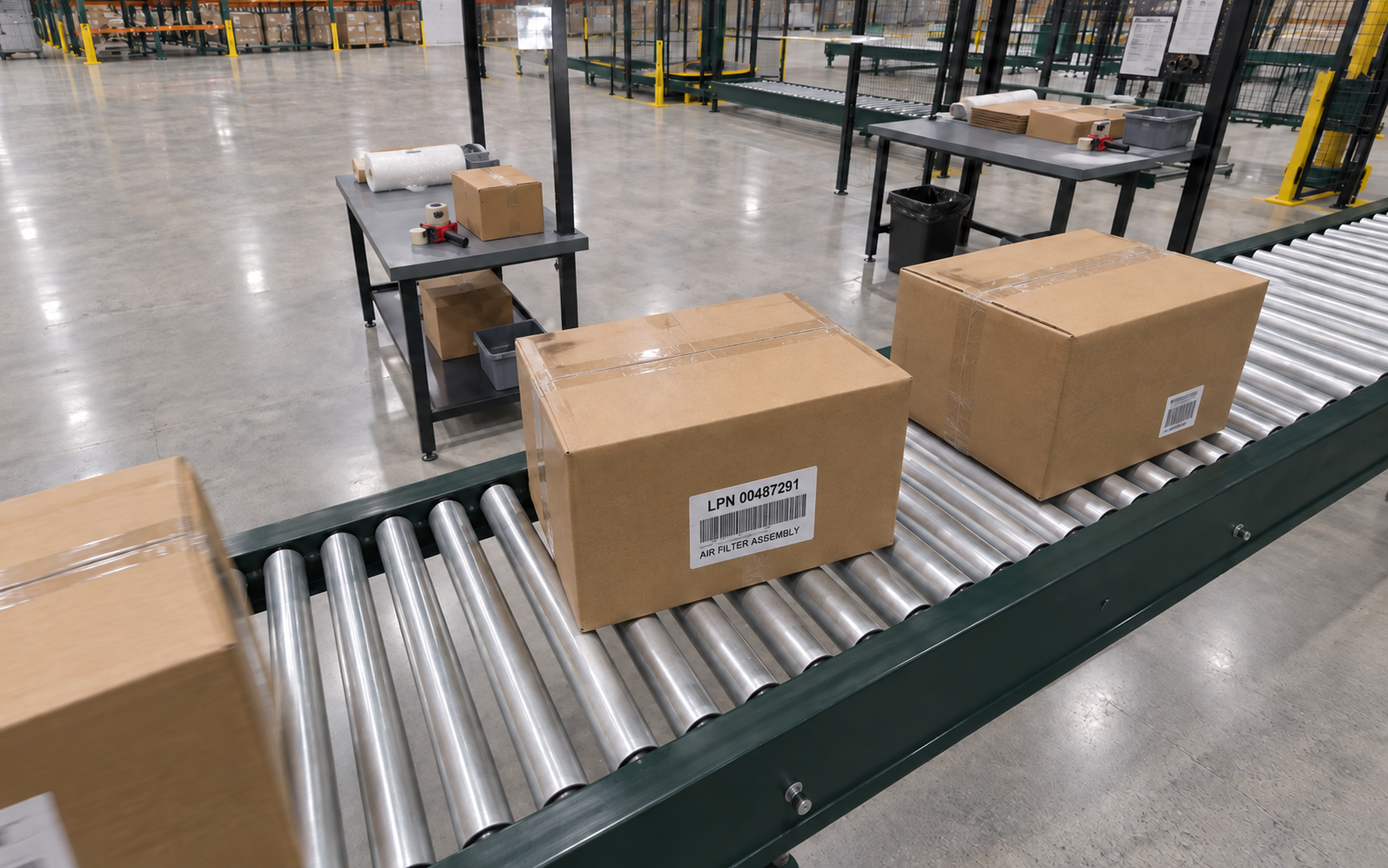
Review labels, carton placement and equipment handoffs along the packaging line.
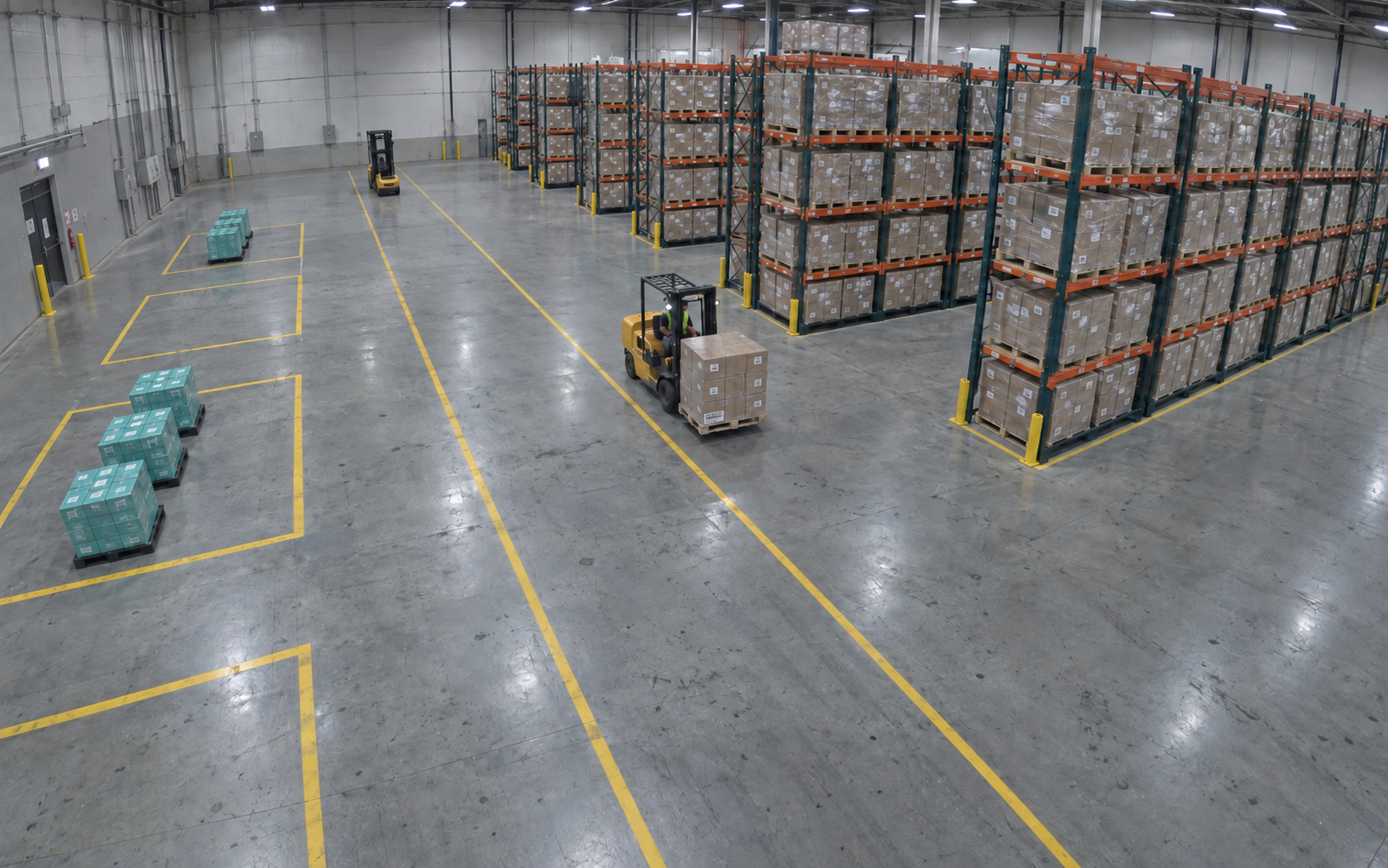
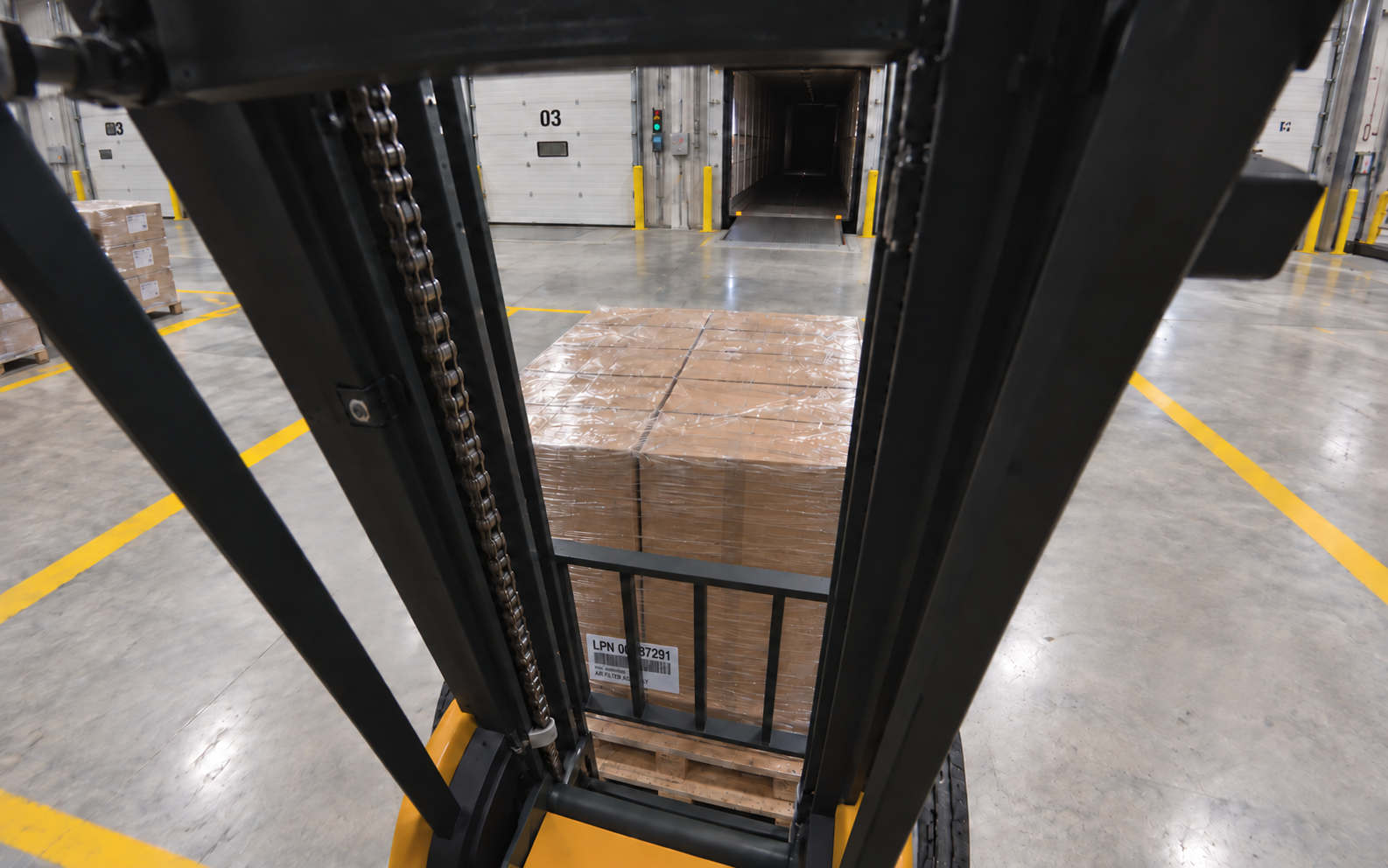
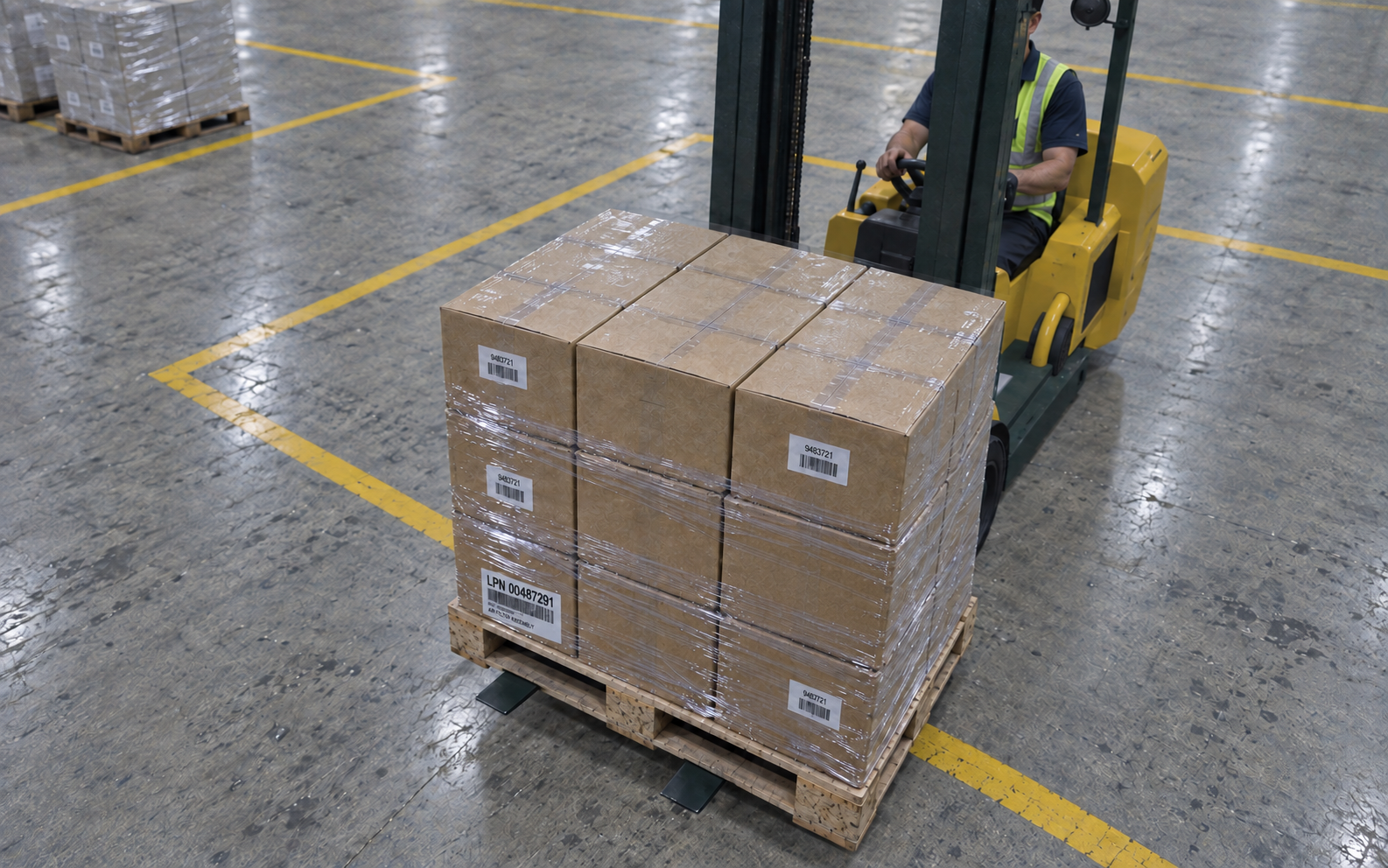
Follow the approach from the forklift, then inspect three views from one dock-mounted device.
OSPR implementation points
From the device in your hand to equipment-mounted capture and facility-wide AI vision.
Capture configurations designed around your site.
From observation to evidence
A configured capture workflow.
Choose the event and observation points. Retain the relevant views, then use detections and extracted text to help find and review the source evidence.
Identify the events, conditions, and exceptions that matter to your operation.
Resolve disputes
Return to captured views and timestamps when a shipment or handoff is disputed.
Review exceptions
Use configured detections to find events worth reviewing, then check the source evidence.
Scale visibility
Plan capture coverage for each facility and workflow rather than assuming every handoff is observed.
Understand recurring issues
Compare retained events to investigate recurring interruptions and guide process improvements.
Support investigations
Give the people reviewing an incident relevant camera views and event context.
Connect workflows
Scope connections to your existing systems around the records, permissions, and interfaces you need.
Intelligence tooling
Configure what OSPR recognizes and the context it records around the work your team actually does.
Focus recognition on the products, objects, and conditions your team needs to see—and the exceptions worth reviewing.
Pair visual evidence with relevant identifiers and measurements, including custom sensor inputs when your workflow calls for them.
Use your own examples to fine-tune vision models with OSPR’s intelligence tooling. Review the results and decide what to refine next.
Keep capture close to the operation, with storage and connectivity planned around your site.
Bring event records into the systems your team already uses.
Define who can see, manage, and act on operational evidence.
Begin the record
Bring one recurring question about your operation and the place it happens. We’ll discuss a useful observation point, the evidence your team needs, and the site access, power and connectivity involved in a first deployment.